For the complete documentation index, see llms.txt. Markdown versions of all docs pages are available by appending .md to any docs URL.
Create and publish a skill
Scaffold a skill and publish it to the agentregistry catalog.
About skills
A skill is a reusable instruction set or slash command for AI agents that you can store as a versioned artifact in the catalog. Instead of sharing skill files ad-hoc, developers publish skills to the registry with a version tag. When you iterate on a skill, you publish a new version so that consumers can pull the update at any time.
Skills are defined in a markdown file named SKILL.md. The file uses YAML frontmatter for catalog metadata such as a name and description, followed by markdown content with the skill’s instructions.
Before you begin
Install agentregistry on Kubernetes.
Create a skill
Agentregistry comes with a built-in skill template that you can use to quickly scaffold a skill and customize it to your needs.
Create a skill scaffold.
The following command creates a
myskilldirectory that includes a starter skill definition and supporting files.arctl init skill myskillExample output:
✓ Created skill: myskill

🚀 Next steps:
  1. Edit myskill/SKILL.md and references/ (optional)
  2. Publish to the registry:
     arctl apply -f myskill/skill.yaml
Explore the skill scaffold.
ls myskillExample output:
assets LICENSE.txt references scripts SKILL.md skill.yamlFile Description skill.yamlThe v1alpha1 skill definition. Contains catalog metadata such as name, description, and version. Apply this file to publish the skill to the registry. SKILL.mdThe skill instruction content. This is the markdown text that agents receive when the skill is invoked. Edit this file to define what the skill does. assets/Directory for static assets such as images or files used by the skill. references/Directory for supporting reference documentation, links, or additional context for the skill. scripts/Directory for helper scripts, such as the starter hello_world.pyexample.LICENSE.txtLicense information for the skill. Review the skill definition. This file describes that catalog entry that you want to create in the registry.
cat myskill/skill.yamlExample output:
apiVersion: ar.dev/v1alpha1
kind: Skill
metadata:
  name: myskill
spec:
  description: myskill skill
  title: myskill
Review and optionally edit the
myskill/SKILL.mdfile to define your skill’s instructions. Use the frontmatter to set the catalog metadata, such as the name and description for the catalog entry in the UI, and the markdown body to define your skill.nano myskill/skill.md
Publish the skill
Publish the skill to agentregistry.
arctl apply -f myskill/skill.yamlExample output:
✓ Skill/myskill (latest) createdVerify that the skill was registered.
arctl get skillsExample output:
NAME      TAG      DESCRIPTION
myskill   latest   myskill skill
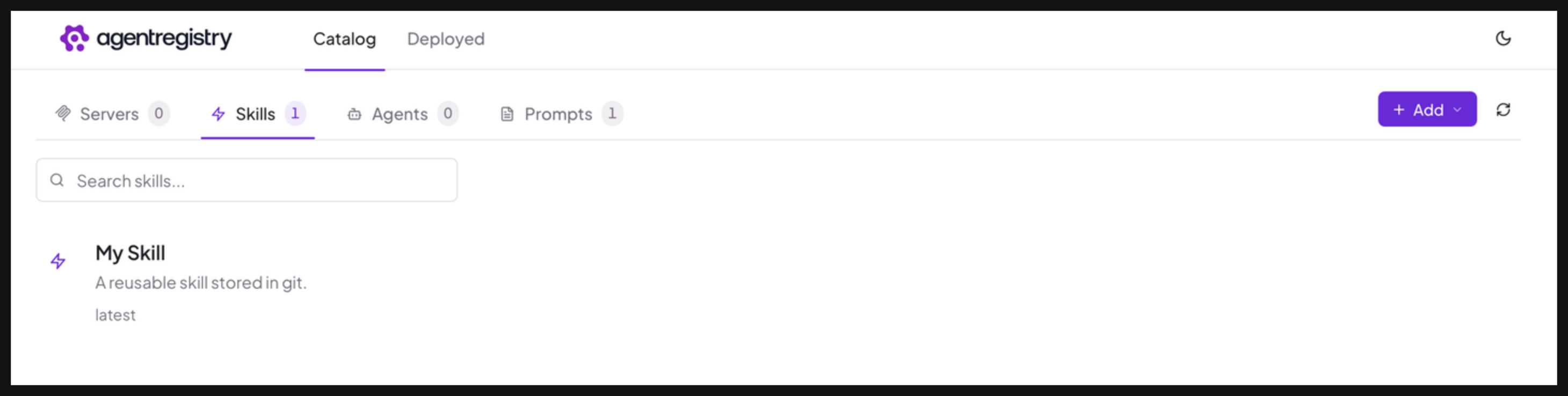
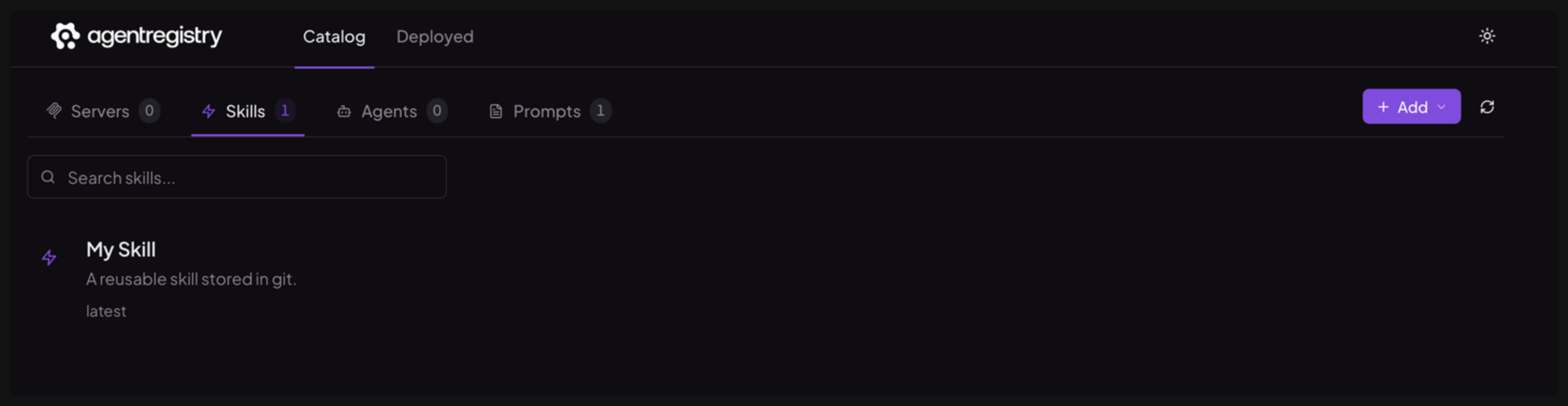
Optional: Open the agentregistry UI and go to the Skills view. Verify that you can see your skill.
Next steps
Cleanup
To delete a skill from agentregistry, use the arctl delete skill command.
arctl delete skill myskill