For the complete documentation index, see llms.txt. Markdown versions of all docs pages are available by appending .md to any docs URL.
Get started
Install agentregistry in a Kubernetes cluster by using the Helm package manager.
Agentregistry is an open source, centralized AI artifact catalog that helps you build, package, publish, and discover AI artifacts, including agents, skills, MCP servers, prompts, and plugins. It provides a single source of truth for the AI building blocks your teams share and deploy.
Tip
Want to learn more about agentregistry? Check out the About agentregistry section.
Before you begin
- Install the following CLIs:
- Create or use an existing Kubernetes cluster. For local test setup, you can use Kind.
kind create cluster
Install agentregistry
The agentregistry Helm chart includes a bundled PostgreSQL instance for development and evaluation. For production, bring your own PostgreSQL instance instead.
Install agentregistry with the bundled PostgreSQL instance.
helm upgrade -i agentregistry oci://ghcr.io/agentregistry-dev/agentregistry/charts/agentregistry \
    --namespace agentregistry \
    --create-namespace
Note
The bundled PostgreSQL instance is for development and evaluation only. Data is lost if the PostgreSQL pod is restarted or rescheduled. For production, use an external PostgreSQL instance instead.
Verify that the agentregistry and PostgreSQL pods are up and running.
kubectl get pods -n agentregistryExample output:
NAME                                       READY   STATUS    RESTARTS   AGE
agentregistry-c46b8bd98-hvnzf              1/1     Running   0          45s
agentregistry-postgresql-9858cbcbf-tk7p9   1/1     Running   0          45s
Port-forward the agentregistry service to access the UI and API from your local machine.
kubectl port-forward -n agentregistry svc/agentregistry 12121:12121Optional: To connect AI development tools to the registry MCP server, port-forward the MCP port in a separate terminal. For more information, see Connect AI clients to the registry MCP server.
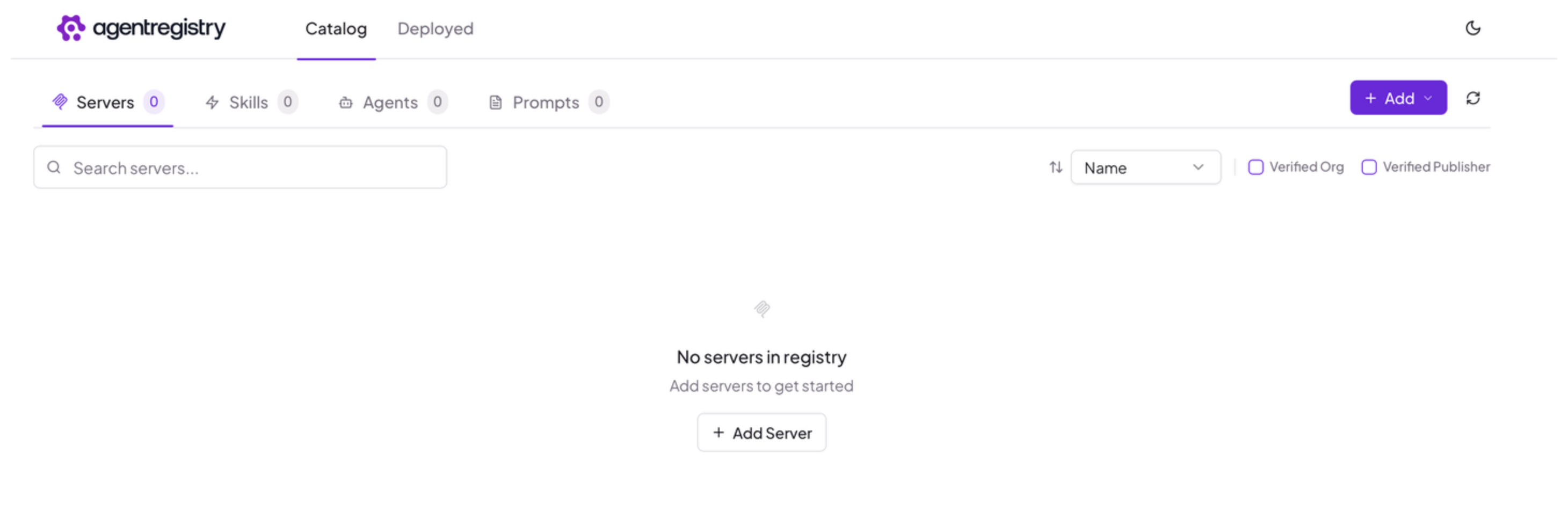
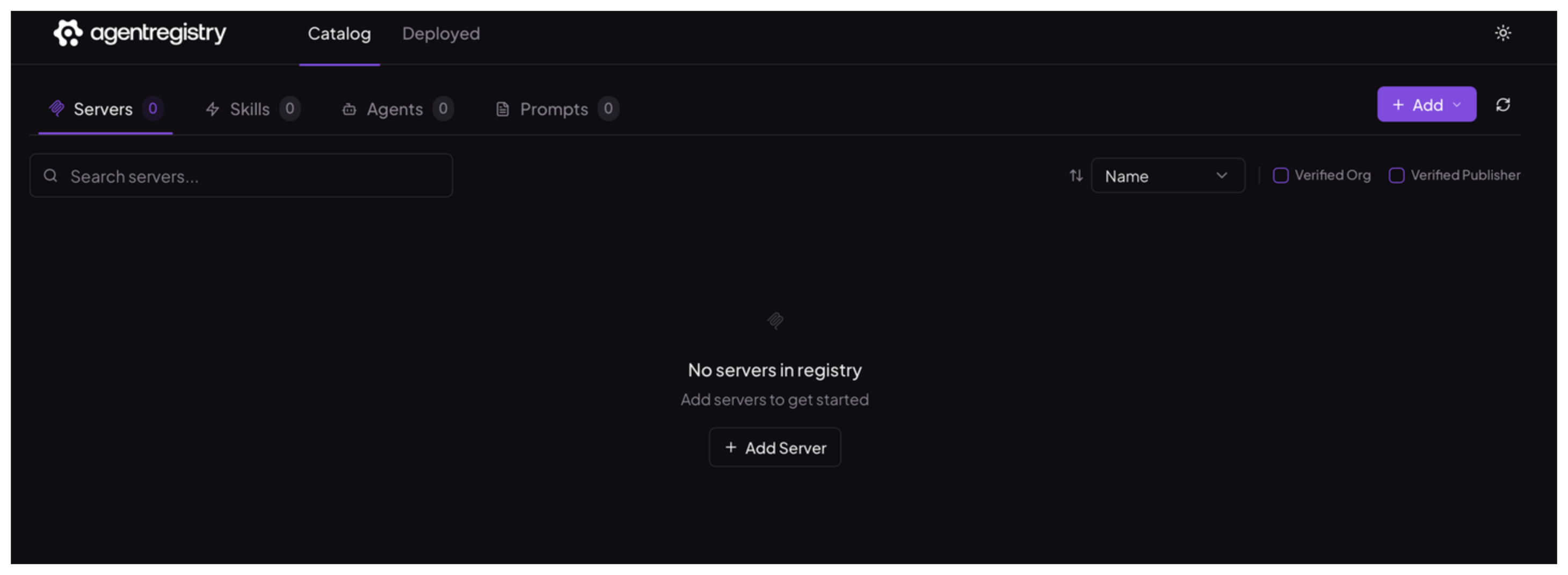
kubectl port-forward -n agentregistry svc/agentregistry 31313:31313Open the agentregistry UI in your browser.
Install the arctl CLI
Install the
arctlbinary on your local machine to manage agentregistry resources.curl -fsSL https://raw.githubusercontent.com/agentregistry-dev/agentregistry/main/scripts/get-arctl | bash export PATH="/usr/local/bin:$PATH"Verify that the CLI is installed correctly.
arctl version
Tip
By default, arctl connects to http://localhost:12121. If your agentregistry instance is exposed at a different address, set the ARCTL_API_BASE_URL environment variable or pass --registry-url on each command. For example: export ARCTL_API_BASE_URL=http://<your-agentregistry-host>:12121.
Next steps
With agentregistry up and running, start adding AI artifacts to build out your AI artifact catalog.