For the complete documentation index, see llms.txt. Markdown versions of all docs pages are available by appending .md to any docs URL.
Create and run
Scaffold an agent and run it locally by using agentregistry.
Before you begin
- Follow the Get started guide to set up agentregistry and start the agentregistry daemon.
- Install
uv.
Create an agent
In this guide, you create a Python agent by using the Google Agent Development Kit (ADK) framework. ADK is an open-source framework for building AI agents. The agent uses Gemini as its language model, which requires a Google API key to authenticate requests to the Gemini API.
Create an agent.
The following command scaffolds a
myagentPython agent with the ADK framework, configured to use thegemini-2.5-flashmodel. When you run the command, amyagentdirectory is created on your local machine that contains the scaffold for your agent. You see the directory structure in your CLI output. The agent has built-in tools to roll a die and check whether a number is prime.arctl init agent myagent --framework adk --language python --model-provider gemini --model-name gemini-2.5-flashExample output:
✓ Created agent: myagent (framework: adk, language: python, model: gemini/gemini-2.5-flash)

🚀 Next steps:
  1. Run locally (optional):
     arctl run myagent
     (export GOOGLE_API_KEY in your shell or set it in .env first)
  2. Publish to the registry:
     arctl apply -f myagent/agent.yaml
Explore the agent scaffold. You can make changes to the files to customize your agent.
ls myagentExample output:
agent.yaml arctl.yaml Dockerfile docker-compose.yaml .env myagent/ pyproject.toml README.mdFile Description agent.yamlThe v1alpha1 agent definition. Contains the image reference, MCP server attachments, and other catalog metadata. Apply this file to publish the agent to the registry. arctl.yamlLocal build config that records the framework, language, and environment variable requirements for this project. Used by arctl runandarctl build..envEnvironment variables the framework needs at runtime, such as API keys. This file is gitignored. DockerfileBuilds the agent container image. docker-compose.yamlUsed by arctl runto start the agent locally.myagent/Contains the agent source code, including the agent definition and the agent card. pyproject.tomlPython project dependencies. README.mdIntroduction and customization instructions for the scaffolded agent. Review the agent manifest that was created for you. Note that by default, agentregistry adds a default image source of
ghcr.io/myagent:latestto the manifest. This image location is later used when you build the agent image or push it to your container registry. To learn how to update this image reference, see the Publish to catalog guide.cat myagent/agent.yamlExample output:
apiVersion: ar.dev/v1alpha1
kind: Agent
metadata:
  name: myagent
spec:
  description: myagent agent
  source:
    image: ghcr.io/myagent:latest
Run the agent locally
You can try out the agent that the scaffold created by using the arctl run command. The agent uses Gemini as its language model, so you need a Google API key to authenticate requests to the Gemini API.
Set your Gemini API key. You can retrieve it from the Google AI Studio.
export GOOGLE_API_KEY=<apikey>Run the agent locally.
arctl run myagent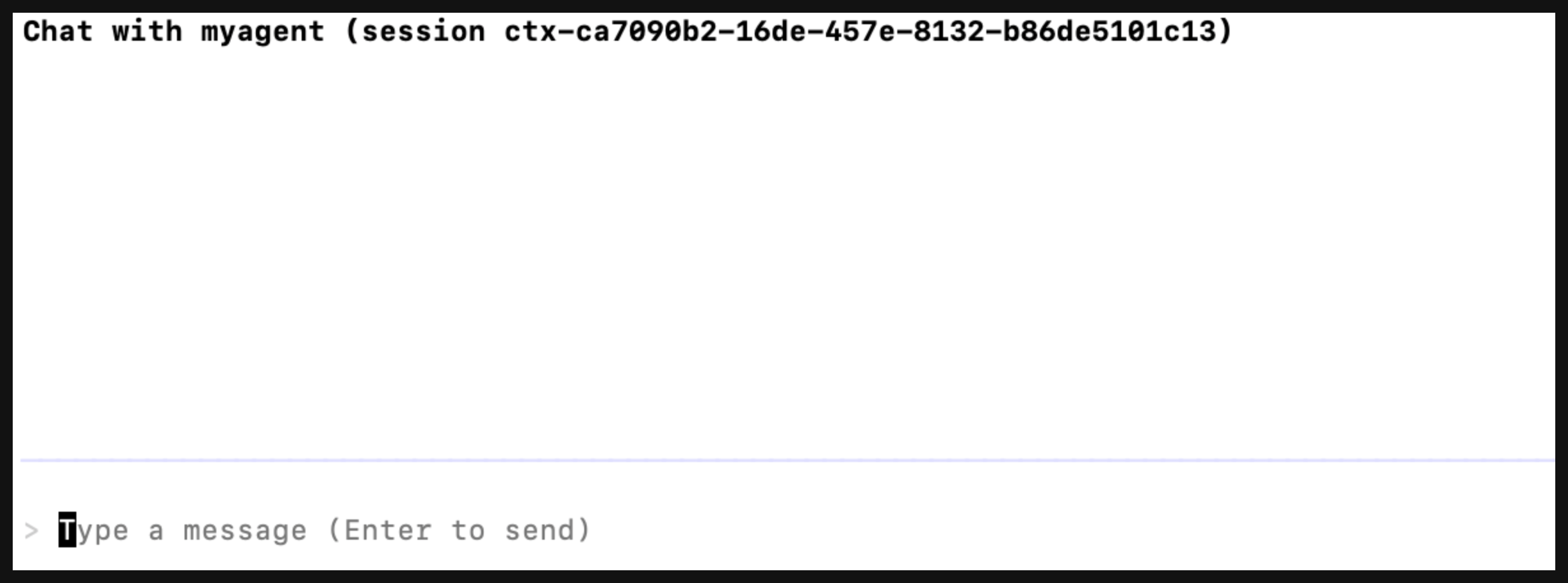
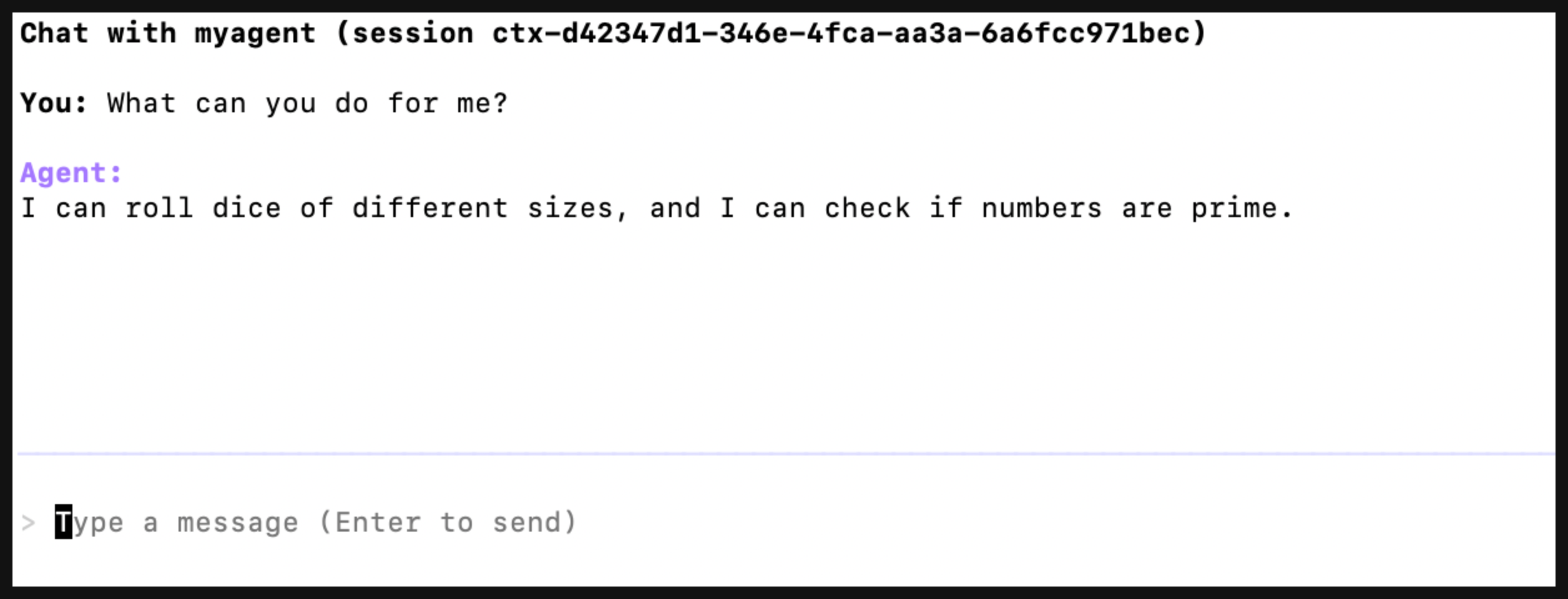
Chat with the agent. For example, you can ask it what it can do for you.
Exit the agent with Ctrl+C.